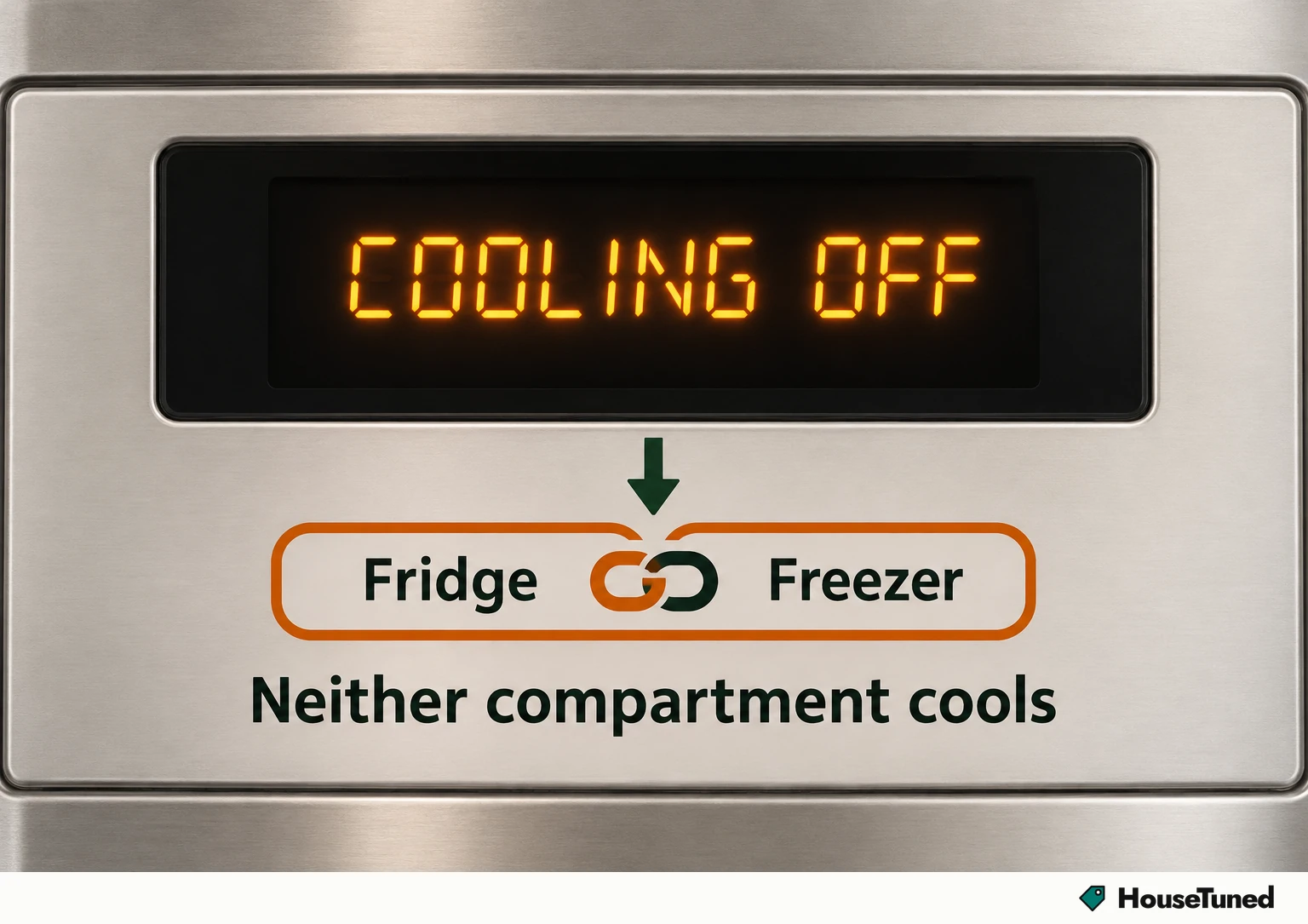
It's a setting, and it covers fridge and freezer
- COOLING OFF means cooling is turned off, so your fridge and your freezer both stop cooling.
- Find the model number inside the fridge compartment and look up that model's manual first, because the way to turn cooling back on varies by model and type.
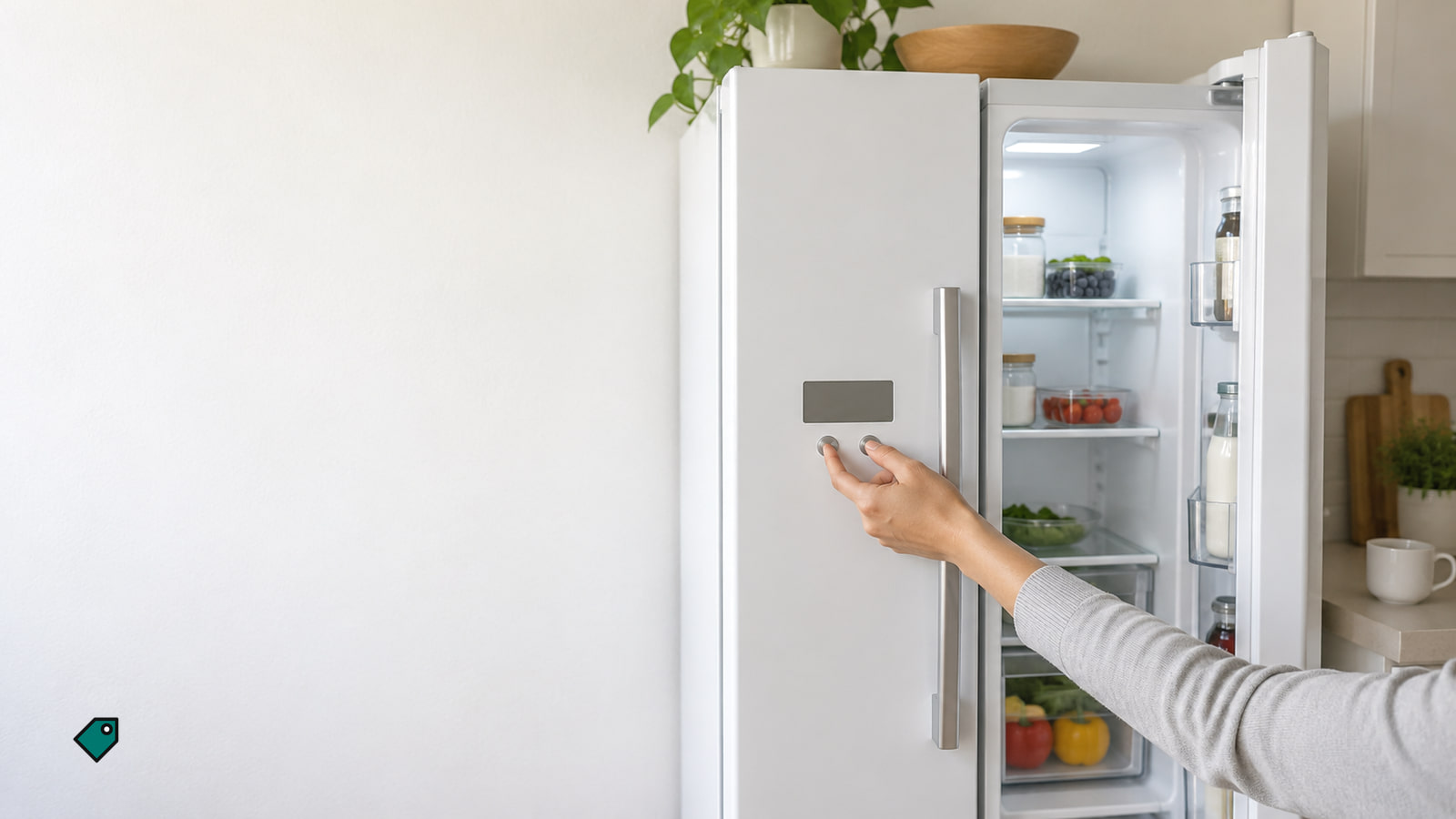
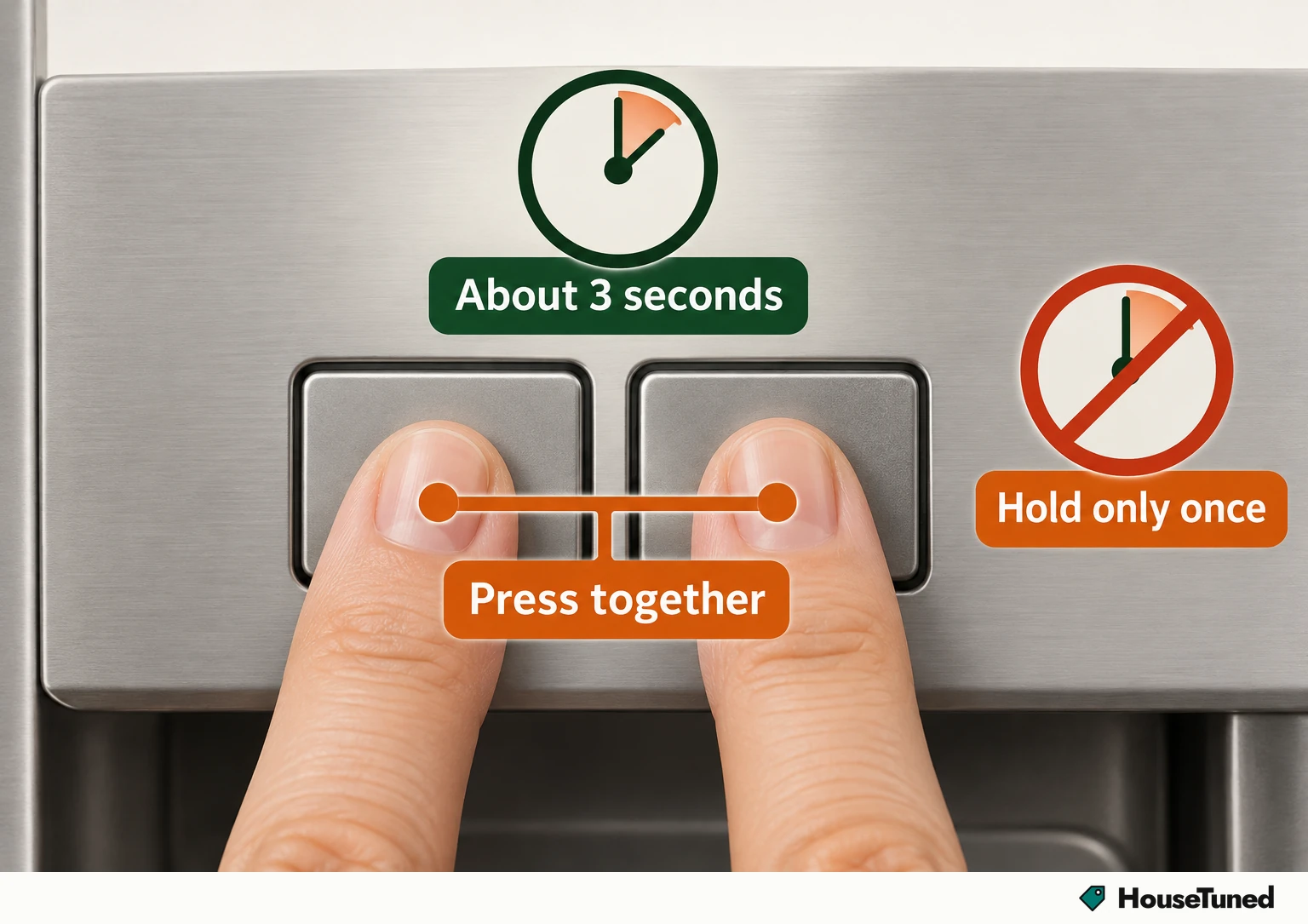
- On panels with LOCK and MEASURED FILL, hold both at exactly the same time for 3 seconds.
- Still not cooling properly after that and the everyday checks? Book Whirlpool service and leave internal parts to a pro.
The display is reporting a control state: the cooling function itself is switched off. We'd fetch your model's manual before touching a single button, because the way back on varies by model and refrigerator type, and the well-known two-button method only fits panels that actually have those buttons.
Treat the message as urgent, not cosmetic. With cooling off, neither compartment cools, so the sooner you switch it back on, the less time your food spends in a cabinet that isn't keeping it cold.
What can leave cooling switched off
Start with the possibility that's easiest to rule out: cooling is simply turned off. When a Whirlpool fridge isn't cooling properly, checking that it's actually turned on comes first, and a lit screen doesn't settle it, because COOLING OFF itself shows up on that screen.
- Cooling was switched off at the control panel, which on panels with LOCK and MEASURED FILL takes a deliberate two-button hold.
- The power went out or surged, and your model is one that has to be turned back on by hand afterward.
- Cooling got switched off by accident during routine cleaning.
Think back to when you first noticed the message. If it followed a power cut or a wipe-down of the fridge, that timing points straight at one of these, and the fix is the same either way: turn cooling back on with your model's own controls.
None of these needs a part replaced. Each one is a setting you change back at the control panel, using the steps written for your model.
Your model number tells you which buttons to press
The model tag isn't in the same spot on every fridge. It depends on the refrigerator type, and these are the most common locations, so open the fresh-food side and look along the wall listed for your type.
| Refrigerator type | Where to look first |
|---|---|
| Top-freezer | Inside the refrigerator compartment, left-hand side |
| Bottom-freezer or French door | Inside the refrigerator compartment, left-hand side |
| Side-by-side | Inside the refrigerator compartment, right-hand side |
If it's not where the table points, Whirlpool's model number locator (opens in a new tab) shows the other places the tag can sit by appliance type. Write the full number down or take a photo of the tag, since you'll type it in next.
Pull up the manual for your exact fridge
Type that number into Whirlpool's manuals search (opens in a new tab) to bring up the manuals and literature for your appliance.
You're looking for the Quick Start Guide or the Owner's Manual. Either one is where the specific way to turn the cooling function back on for your model lives, since that step varies by model and refrigerator type.
Keep the Owner's Manual open for one more thing: how to turn the refrigerator itself off and on. That matters if COOLING OFF showed up after an outage or surge, because some refrigerators need to be manually turned back on once the power returns.
Panels with LOCK and MEASURED FILL buttons
This is a common way to bring cooling back on Whirlpool refrigerators, side-by-side models included, but it's only for panels that carry both of these buttons. If your manual gives a different method, follow the manual.
- Find LOCK and MEASURED FILL on the control panel. If you can't spot both, stop here and use your manual's method instead.
- Rest one finger on each button so you can press them at exactly the same moment.
- Press and hold both together for 3 seconds, then let go.
Hold it once and then leave the panel alone. On these panels the same 3-second hold is what switches cooling off in the first place, so a second hold would just flip it back off.
Your control panel looks different
Plenty of panels won't match, and that's expected. The way to switch cooling back on varies by model and refrigerator type, so the two-button method above is one common setup, not the only one.
Go by the combination your Quick Start Guide or Owner's Manual names for your model number, and press it exactly as written.
If the power went out recently, read the refrigerator off and on instructions in that same Owner's Manual too. Some models need that manual restart after an outage or surge before they'll cool again.
The fridge still isn't cooling properly
Once you've turned cooling back on the way your manual describes, work through the everyday warm-fridge checks in our guide to a fridge that isn't cooling. Those cover the causes you can inspect yourself.
If you've inspected those and it still isn't cooling properly, an internal part may be at fault, such as the evaporator fan, condenser fan, compressor or start relay.
That's where the do-it-yourself path ends. Schedule a service appointment through Whirlpool's service help desk, and have your model number ready, since the cooling controls and instructions are specific to it.
Jot these down so the service call starts with the facts.
Tick what applies and add details; the note above fills in as you go.
Checking the display after outages and cleaning
After any power outage or surge, look at the display as soon as the power is back. Some refrigerators wait for you to turn them back on by hand, and catching it early means less time with neither compartment cooling.
Do the same after you clean the fridge, since cooling can get switched off by accident during routine cleaning. If you see COOLING OFF again, turn it back on with your manual's method, then keep tabs on how cold things are with our guide to the right fridge temperature.
Keep your model number somewhere easy to reach, like a note on your phone. Next time, you can go straight to the manuals search instead of hunting for the tag while the fridge sits with cooling off.
More in this category