Check the setting before judging the clock
- Most dishwasher cycles take about 1.5 to 4 hours. Start by checking which cycle and options you've selected.
- Quick Wash can finish sooner, while heavy loads, extra heating and energy-saving settings can keep the machine running longer.
If you're waiting to unload and the machine is still going, we'd check the selected setting first because the cycle and its options change the time you should expect. A load on Quick Wash needs a different comparison from one on Heavy Wash or an energy-saving setting.
Then consider the load itself and the time needed to heat the water. Whirlpool's runtime guidance (opens in a new tab) identifies sensor readings, dirty dishes and heating between phases as reasons the duration varies. Those are useful starting points before comparing an actual run with your model's published estimate.
Normal, heavy and ECO times by setting
For everyday dishes without especially stubborn food, KitchenAid's cycle guide (opens in a new tab) gives Normal a usual runtime of 1.5 to 2.5 hours. That puts a two-hour run within its estimate for this setting.
Frigidaire gives a different Normal Wash estimate of about 150 to 180 minutes, or 2.5 to 3 hours. Keep that difference in mind when comparing machines: the same cycle name comes with different published time ranges.
For heavily soiled pots and pans, KitchenAid describes Heavy-Duty as a roughly 2-to-4-hour cycle. It uses extra water and high temperatures to tackle caked-on food. Frigidaire's estimates (opens in a new tab) put Heavy Wash at about 180 to 240 minutes, or 3 to 4 hours.
Frigidaire also lists ECO Mode at about 240 minutes, or four hours. A three-hour Normal run and a four-hour ECO run therefore fit that brand's published estimates. Use the setting name and the guidance for your machine together when planning when you'll have dishes back.
Quick Wash suits a lighter mess
If you need lightly soiled dishes sooner, Quick Wash is the setting to consider. KitchenAid describes these cycles as typically taking about an hour, with some dishwashers finishing in as little as 30 minutes. Frigidaire lists Quick Wash / 30 Minute Wash at about 30 to 60 minutes.
The speed comes with a tradeoff. KitchenAid explains that Quick Wash (opens in a new tab) uses extra water, energy and heat to shorten cleaning time. It's suited to light soil, so choosing the shortest setting is a decision about the mess as well as your schedule.
For baked-on food on cookware, stick with a cycle intended for that job. KitchenAid's cycle-selection advice pairs everyday loads with Normal, caked-on messes with Heavy Duty and lightly soiled dishes with Quick Wash. That's the useful way to shorten a run while keeping the cleaning task in view.
A newer machine can take longer and use less
Your old machine can be a misleading benchmark for a replacement. Whirlpool explains that advances in technology and changes in federal energy and water-use guidelines have changed how dishwashers operate. Newer machines use less water and energy, but need longer runs to deliver the same cleaning performance and give sensors time to assess cleaning.
GE explains part of the energy saving (opens in a new tab) in practical terms: using less water means your water heater has less hot water to supply. Less water needs heating even though the dishwasher stays busy longer.
An energy-saving setting can extend the run further. Maytag explains that these settings usually combine lower water temperatures with longer runtimes to reduce energy use. If you selected that option, the extra time is part of how the setting works.
Heating options add time to the wash
Look at the selected options as well as the main wash cycle. Maytag gives High Temp an addition of 5 to 13 minutes (opens in a new tab), explaining that the machine needs the extra time to heat water to the higher temperature. That's added time on a wash cycle.
Frigidaire groups High Heat, Sanitize and Scour together (opens in a new tab), saying these settings add about 60 minutes to your cycle. Keep that figure attached to Frigidaire's guidance, separate from Maytag's High Temp estimate. Each describes an option's addition rather than a complete cycle's duration.
GE also identifies Wash Temp Boost and Heated Dry Boost as options that increase total cycle time. When comparing your run with a published estimate, include those selected extras in the comparison. A base cycle name doesn't describe all the heating and drying you've asked the machine to do.
Rinsing and drying are part of the wait
The machine has more to do than spray dishes with detergent. It generally fills, heats and circulates water for washing, drains the dirty water, refills for rinsing and then moves to drying. These phases explain why time at the machine includes more than the main wash.
KitchenAid's phase guide (opens in a new tab) describes an optional prewash of about 6 to 8 minutes to loosen stuck-on food. Not every cycle includes it. During rinsing, warm water removes leftover detergent, and that phase can last up to 30 minutes.
Drying has its own timing differences. KitchenAid gives a general range of 30 to 90 minutes for options such as Heated Dry, Air Dry and Extended-Heat Dry, describing heated drying as faster than air drying. Frigidaire separately lists Air Dry at about 120 minutes, so use your machine's drying guidance when estimating the finish time.
Sensors can change the time from load to load
An especially dirty load can prompt the sensors to select a longer wash so the dishes get cleaned properly. Maytag describes Sensor Wash as matching the wash to the detected soil level, which can mean a longer run than Normal for a large batch of dirty dishes.
On GE models with clean sensors, sensing can change both the duration and the number of water fills. The adjustment can go in either direction, extending or decreasing the cycle according to the soil detected in the water.
KitchenAid also identifies hard water and limescale buildup (opens in a new tab) as possible reasons for longer runs as sensors work to ensure dishes are clean. That adds another possible explanation when your familiar cycle starts taking longer, alongside a change in how dirty the load is.
A first run or paused timer has specific explanations
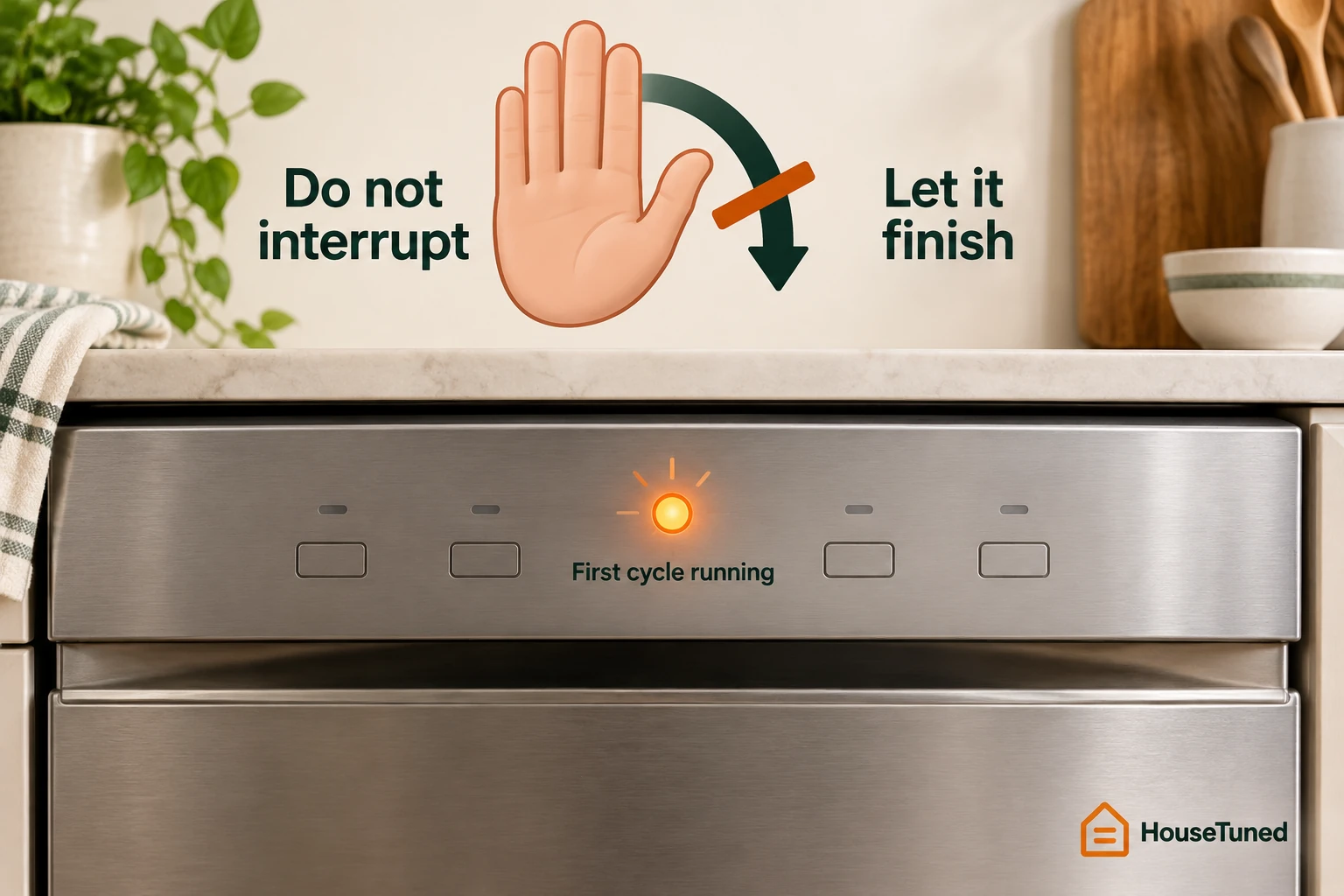
For a new Whirlpool dishwasher, the first run may include sensor calibration. Whirlpool's first-cycle advice (opens in a new tab) is to let that cycle finish without interrupting it, because the sensors need to adjust for good performance. Allow that initial run to complete even if it's taking longer than you expected.
GE describes another situation that can look like a stalled cycle: on select models, the timer display or dial can stop for up to half an hour during washing or drying while the heater operates. That pause has a specific heating explanation on those models.
On GE models with Auto Hot Start, heating can extend the cycle by up to 20 minutes, depending on the incoming water temperature. Check whether your model has that feature when interpreting the delay; GE's timing guidance (opens in a new tab) keeps these behaviors tied to the models equipped for them.
Compare measured runs before booking service
If you're still concerned, measure several complete cycles and compare the results with the cycle estimates in your owner's manual where available. Some manuals list approximate times, particularly for older models, as GE's guidance explains (opens in a new tab). Match the measured run to its cycle and settings so the comparison is useful.
Major differences between those measured times and your model's published guidance are the point to contact an appliance technician. Whirlpool recommends this timing-and-comparison approach (opens in a new tab). For a Whirlpool appliance in the US, you can schedule service by calling 1-800-253-1301, Monday through Friday, 8 a.m. to 8 p.m. EST.
More in this category