
Your chatbot can now run your Nanoleaf setup
- Nanoleaf announced MCP, a bridge that connects compatible AI platforms to Nanoleaf lights.
- ChatGPT and Claude are among the supported platforms.
- Setup happens in the chatbot's Settings under Connectors or Plugins, then you sign in to your Nanoleaf account and approve access.
- You need the Nanoleaf Desktop App version 3.0.0 or later, and your computer must stay on with the app open.
Nanoleaf has announced MCP, a Model Context Protocol bridge that lets compatible AI platforms talk to its smart lighting. ChatGPT and Claude are named as supported platforms. The company published the news on September 30, 2026 (opens in a new tab).
Nanoleaf says users add its integration through their chatbot's Settings menu, under Connectors or Plugins. They then authorize access through their Nanoleaf account. The connection also requires Nanoleaf's desktop software.
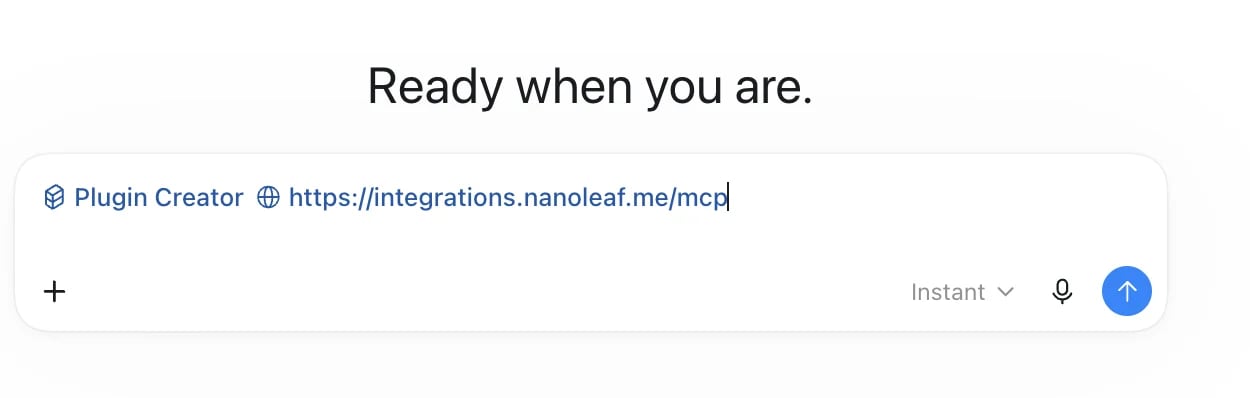
The catch is local. MCP requires the Nanoleaf Desktop App version 3.0.0 or later, and that app has to stay open on a computer that stays on. Devices must already be paired, and a firmware update may be needed before you continue.
What you can actually ask it to do
Nanoleaf says MCP supports power switching, brightness adjustments and changes to individual colors or color temperature. Its examples include setting bedroom brightness to 30%, using album artwork as lighting inspiration and activating 4D screen mirroring.
Nanoleaf says MCP can assemble Playlists using existing Scenes and play them on supported devices. Other advertised controls include configuring Circadian Lighting, starting or stopping the Desktop App's Screen Mirror feature, and managing Sync+ connections. A TV-and-lighting photo can assist Sync+ configuration, provided the devices are paired and controllable through Nanoleaf's desktop software.
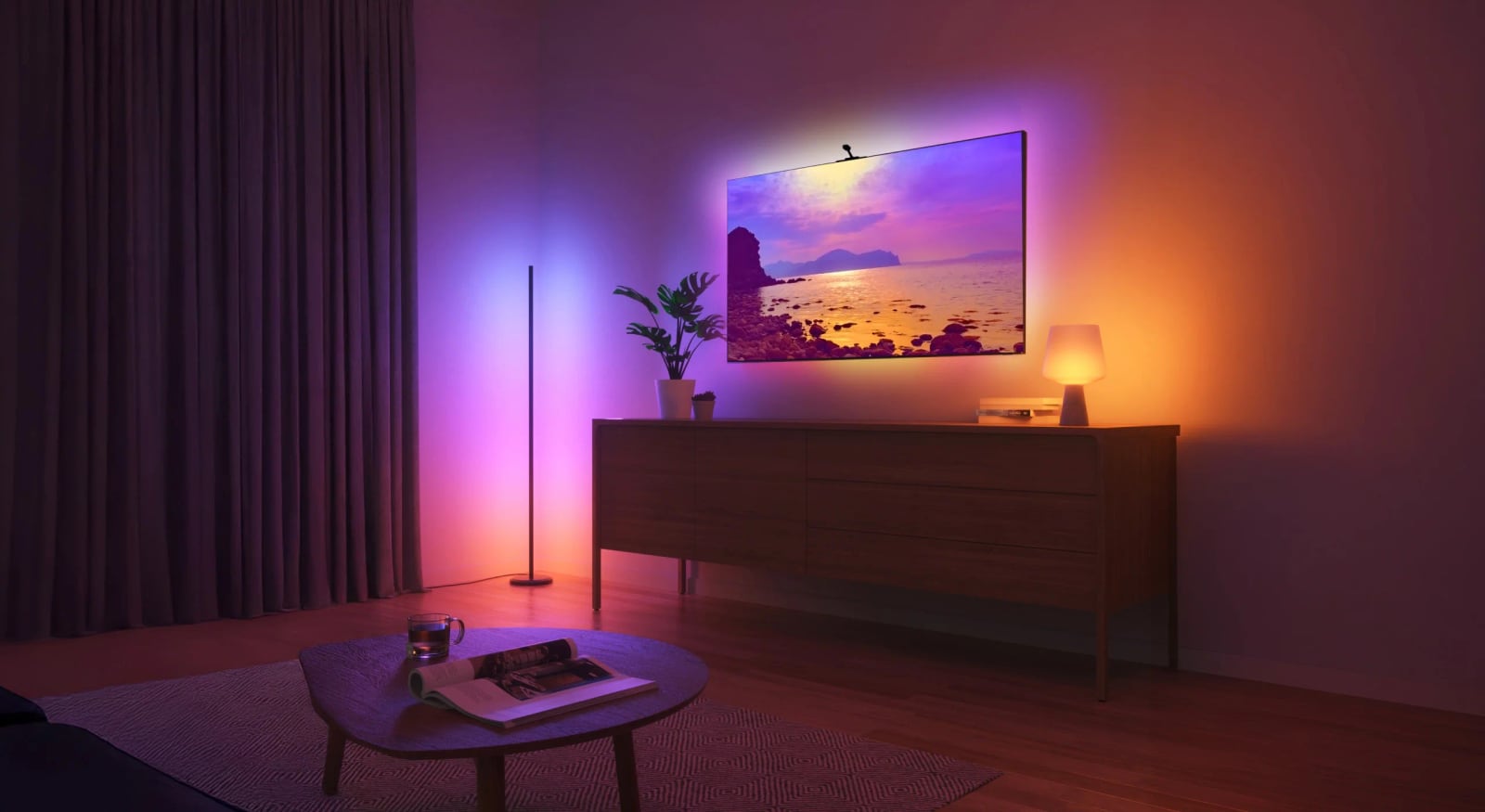
According to Nanoleaf, the bridge can supply information such as a light's brightness, supported colors and device limitations. The company illustrates this with Nanoleaf Elements, whose white lighting cannot turn blue, and Shapes Hexagons, which support RGB colors.
One thing MCP does not do is create Routines on its own. Nanoleaf says timing and other contextual triggers depend on what your AI platform supports and is authorized to handle.