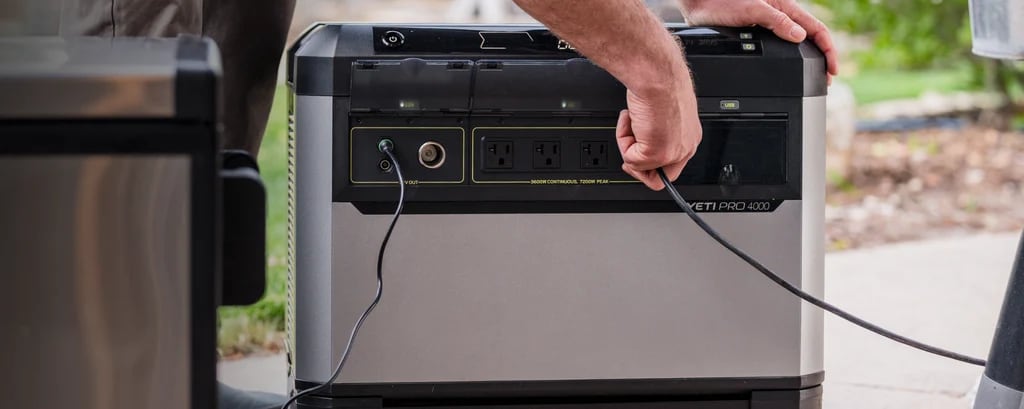
An update addresses unexpected power interruptions
- Firmware 1.9.7 is free for Yeti PRO 4000 owners.
- Install wirelessly using the Goal Zero Power app.
- Move critical devices to another power source before installation.
Goal Zero introduced free firmware 1.9.7 today for the Yeti PRO 4000 power station, with changes the company says prevent brief battery communication faults from interrupting AC power (opens in a new tab). Owners can install it wirelessly using the Goal Zero Power app, although outputs may switch off for several minutes during installation.
Goal Zero says the software compares an individual cell’s low reading with readings from the remaining battery pack before triggering a shutdown. Voltage checks also improve battery percentage reporting near full and empty, while the device, app and external display now report matching percentages. The company also says it has improved remaining-runtime calculations and notifications about low batteries.
Prepare your power and connection before installing
Before starting, move critical equipment, including freezers, sump pumps and medical devices, onto another power source. Installation requires 2.4 GHz Wi-Fi or a mobile hotspot, and Goal Zero warns against using a router powered by the Yeti because the installation interrupts its outputs.
Update the Goal Zero Power app first, then open Device Settings and select Firmware Version. If version 1.9.7 appears, choose Install Now. Keep any Tank PRO 4000 expansion batteries attached and switched on throughout installation so they receive the update too.
Goal Zero says Charge Profiles and Port Restore now retain their settings through updates and restarts, including configurations with a Tank or RVES display. The update also repairs incorrect lifetime energy totals, including negative app readings and histories that remain at zero. If installation fails, Goal Zero recommends checking Wi-Fi reception, cycling the unit’s power and retrying, then contacting support if problems persist.