Match the symptom before you check the controls
- No display or power? Check the oven’s breaker.
- Display on but cold? Close the door, select a cooking mode and temperature, and press Start. Then check for a lock, demo mode or delayed start.
- Weak heat or a Bake-versus-Broil difference? Note what happens and use the matching checks below.
- Smell gas? Stop, leave the area and call 911 from somewhere well away. Don’t touch switches or use a phone nearby.
- Still no heat after the applicable checks? Book appliance service.
The clock may be on while the oven stays cold, or the oven may warm without cooking properly. We’d identify which symptom you have first, because the useful checks differ for a blank display, a setting that holds up heating and an oven that heats weakly. Start with the row that matches what you see.
| What you see | Where to start | What to do next |
|---|---|---|
| No display or power | Check the breaker and visible power connection. | If power stays off, ask an installer or electrician to check the supply, or arrange appliance service. |
| Display on but oven cold | Close the door and check Start, lock, demo and delay settings. | If it remains cold, continue with the electric or gas checks. |
| Oven warms but heat seems weak | Check preheating, the door gasket and anything covering a shelf. | Arrange service if those checks do not explain it. |
| Bake and Broil behave differently | Record which mode heats. | Report the difference when booking service. |
| Gas oven does not ignite | Check the cooking settings, then note any error code or recent move. | Have a qualified technician check ignition or gas supply. |
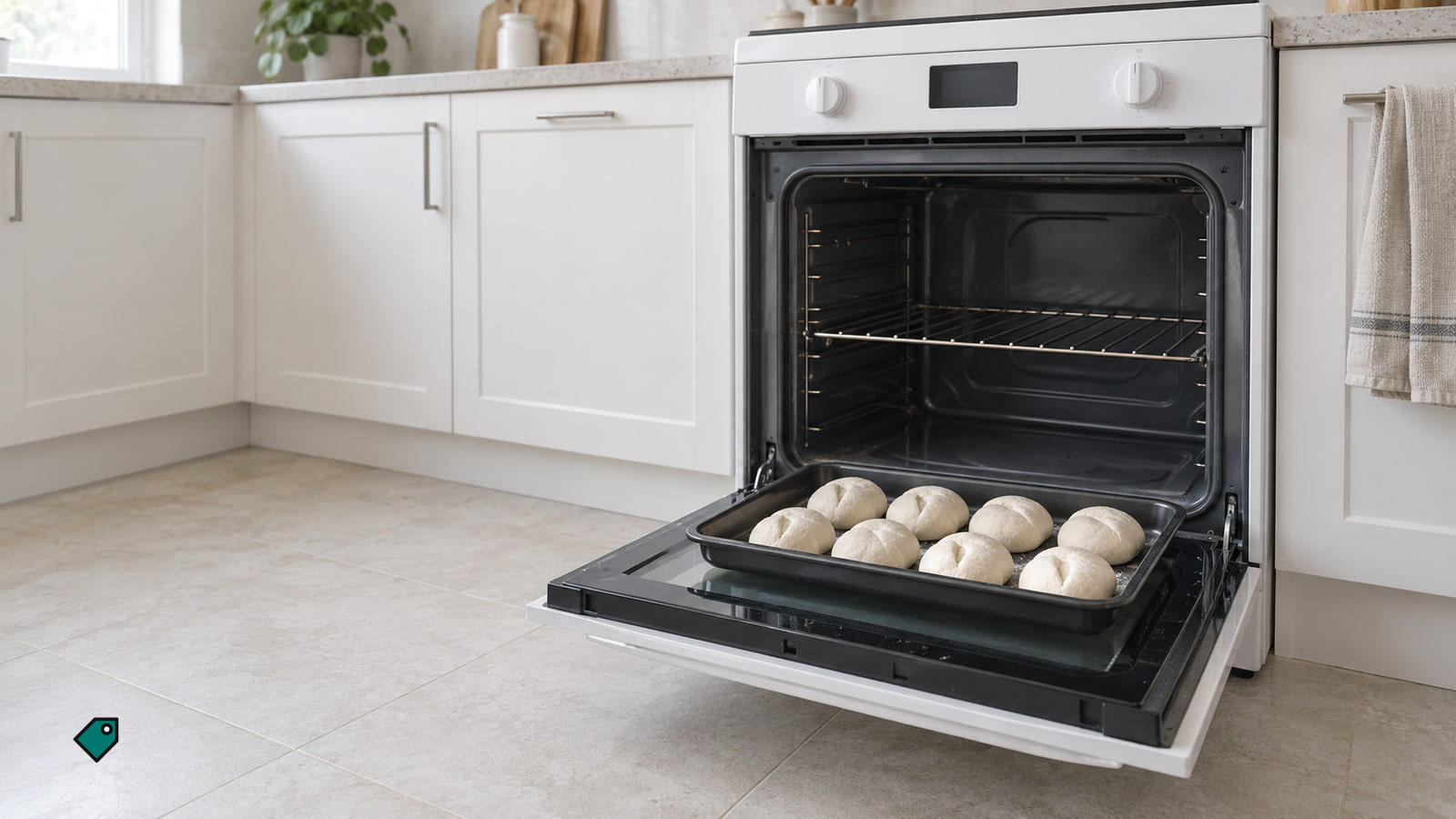
The display and controls have no power
A blank display calls for a supply check before any cooking-setting checks. Keep your hands on accessible breaker handles; leave wiring, electrical measurements and panel covers to a professional.
- Check whether the clock, light or controls respond. If they do, use the powered-on checks below. If nothing responds, check the oven’s identified breaker.
- If the electrical panel is safely accessible, turn the oven’s breaker off and back on once. On a double breaker, check both handles. If the display returns, select a normal cooking mode and confirm that heating starts.
- If a power cord is already visible without moving the appliance, switch off its breaker before checking the cord connection. If power remains off, ask the installer or an electrician to check the supply, or book appliance service. If a breaker trips again, leave it off and call an electrician.
The display works but the oven stays cold
Check the door and controls in order. An open door prevents heating on some ovens, while a control setting can keep an otherwise responsive display from starting a cook cycle.
- Close the door all the way. A Samsung oven can shut off if its door is left open too long. If your self-clean oven has a mechanical door latch, make sure it is unlocked. On electronic controls, select the cooking function and temperature, then press Start. On a knob oven, set both the function and temperature knobs. If you removed the knobs for cleaning, make sure they are back in the right positions. If heating begins, the cooking selection was the useful check; if it stays cold, look at the display.
- Look for Control Lock, a padlock or Loc, a demonstration display, or a scheduled start. Samsung demo indicators include tESt, d or D, and DEMO; some Whirlpool ovens show a short presentation of the range’s features. An LG range with delayed start shows DELAY START. Use the unlock or demo instructions for your controls. Cancel a delayed Bake setting and start Bake again without a delay. If the oven heats, you’re done with these checks. If it does not, continue.
- If the trouble followed an outage and a Samsung display shows SAb, use that model’s instructions to leave Sabbath mode before starting normal cooking. If the control checks that fit your oven leave it cold, go to the electric or gas checks below.
If you have a Samsung range and cannot identify the lock indication, check the control-lock help (opens in a new tab) for the panel cues. Use the instructions that match your controls.
It has never heated since installation
If the oven has stayed cold since it was installed, check the door and controls, then contact the installer or an electrician. Ask them to check the power supply connection against the oven’s installation requirements.
On a newly installed Whirlpool electric oven, that professional check includes the cord strain relief, terminal-wire locations and terminal-block fasteners. Leave the wiring, connections and access to those parts to the professional.
For a wall oven, use our wall oven installation guide to prepare questions for the installer about electrical work. Tell the installer clearly that the oven has never produced heat, even if its display has worked from the start.
The electric oven has heated before
Check the breakers even if the clock works. On a GE electric range, partial voltage can leave the clock working while the burners do not heat properly. Many GE ranges and wall ovens use a double breaker, so check that neither breaker has tripped.
- Turn the oven’s breakers off and back on. For a GE range or wall oven’s electronic-control reset, leave the breaker off for one minute before turning it back on. If normal heating returns, stop there; if not, continue.
- If a breaker trips again, leave it off and call an electrician. A breaker that is not large enough for the oven can trip, so stop resetting it and have the electrical supply checked.
- If the breaker stays on but the oven remains cold after the control checks, record any display message and whether Bake or Broil heats. Book appliance service with those details.
Keep this check to the breaker handles. Leave electrical measurements, wiring and connections to an electrician, and do not remove the electrical panel cover.
For a GE oven that remains in demo mode, use the help for a persistent demo display (opens in a new tab) when arranging the electrical check.
The oven warms but does not seem hot enough
First, separate slow preheating from an oven that never reaches useful heat. A preheat signal and cooking results give you more to report than an impression that the oven feels cool.
Start with the selected cooking mode and temperature, then let the oven preheat with the door closed. If the concern is only when it is ready for food, check what the preheat signal means. If food still cooks as though the heat is weak, continue.
When the oven is off and cool, look at the door gasket for a torn, worn, detached or missing section. Heat can escape through a damaged gasket. Report damage when booking service; if it looks intact, check the shelf.
Check whether aluminum foil covers an entire oven shelf. Remove it when the oven is cool, because it can block heat circulation. If heating still seems weak, arrange appliance service. If the oven was recently installed, tell the installer it has not heated properly since installation.
Broil works but Bake does not
Electric ovens have bake and broil elements, except for some very old models with only a bake element. The elements can work separately or together depending on the selected mode.
- Write down the Bake-versus-Broil difference you have already observed. The bake element is not used during broiling, so the pattern helps a technician decide what to check next.
- If the bake element is visible on the oven floor, look for cracks or breaks only with the oven off, completely cool and its breaker switched off. Keep this to a visual check. An element can still be hot when it is dark, so do not touch it to judge whether it has cooled.
- Book service if the element is cracked or broken, or if the oven remains cold after the accessible checks. Many electric ranges and wall ovens have a hidden bake element beneath the oven floor. Leave the floor and panels in place.
Beyond an element or ignition problem, possible causes include a faulty temperature sensor or malfunctioning control panel. Leave diagnosis and internal repairs to the technician.
Check your oven’s warranty terms before booking. Have its model and serial numbers and proof of purchase ready, then describe whether it is gas or electric, the selected mode, any Bake-versus-Broil difference, the exact display message and the checks you completed. Tell the technician whether it ever heated after installation and whether the problem followed an outage or a move.
A technician may need to check the supply, heating element, ignitor, temperature sensor or controls, depending on the symptom. Ask for a quote that says whether you are paying for a visit or a completed repair. Ask what the quoted work includes before approving it.
Your gas oven will not heat
With no gas smell, start with the same door and cooking-control checks. A gas oven’s ignition and supply need a different service check from an electric oven’s elements.
Close the door, select the cooking mode and temperature, and confirm Start. If the oven heats, stop there. If it stays cold, check the display for a message or code.
Write down any error code and whether the trouble followed a move or installation. On LG gas ranges, a hot surface ignitor lights the bake burner, and a failed ignitor brings up an error code. If a range was recently moved, its gas supply may have been shut off.
If normal settings still produce no heat, book a qualified gas-appliance technician. Tell them about the code or recent move and ask them to check ignition and gas supply. Do not adjust the gas valve or regulator or keep trying to light the oven.
The controls differ by oven brand
Here’s how three brands handle it. Use the row that matches your oven; the button sequence for another model may differ.
| Example | What to check | Next action |
|---|---|---|
| Whirlpool electric ovens | On some models, the elements stay off until the door is fully closed. During Broil, opening the door turns off the broil element, which comes back on when the door closes. Control Lock typically uses a three-second hold of the applicable buttons; demo mode and delayed Bake can also hold up heating. | Match the buttons to your model’s instructions. If it stays cold after these checks, book service. |
| GE electric ranges and wall ovens stuck in demo mode | This condition has no control-panel setting to change. | Turn off both breakers for 30 seconds, then turn them back on. If demo mode persists, ask the installer or an electrician to check the power connection. |
| Samsung ovens after an outage | SAb may remain on the display with no heat after a power interruption. | Use the model’s Sabbath-mode exit instructions, then start normal cooking. |
Whirlpool owners can contact support or schedule service (opens in a new tab), with options for the US and Canada.
A few other clues worth checking
Why is the door still locked after self-cleaning?
Let the oven cool completely before following its unlock steps. Do not force the door open.
Can the stovetop work while a gas oven stays cold?
Yes. On some Whirlpool gas ranges, an oven supply shut-off valve can be off while gas still reaches the cooktop. Have an installer or qualified gas-appliance technician check the supply.
Does Sabbath mode always stop baking?
No. Baking is available in Sabbath mode on equipped Samsung ovens. After a power interruption, the mode can remain active while the oven does not heat; use that model’s exit instructions.
Why does the Broil element stay dark?
On GE ovens, a broil element can heat without glowing. Its color does not tell you whether it has failed or cooled.
On a GE oven, if the door remains locked after a clean cycle, follow the steps for unlocking the door after cleaning.
More in this category