What Four Months in a House Actually Told Us
We tested this board new in the spring and gave it a good score, which is the easy part. The interesting question about anything you leave switched on is not how it behaves in week two. It is whether you are still thinking about it in month four, and what it has done to your electricity bill and your patience in the meantime.
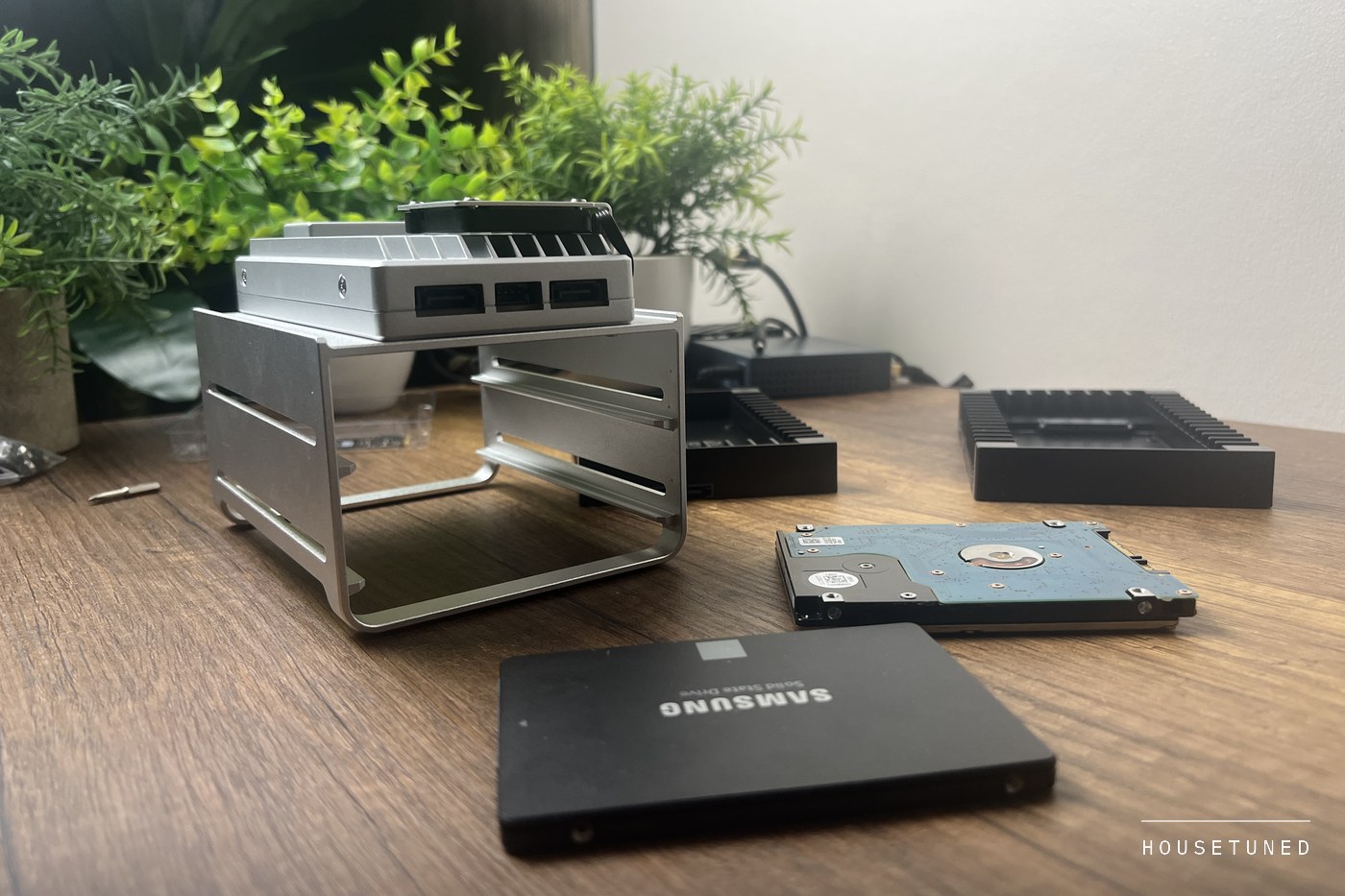
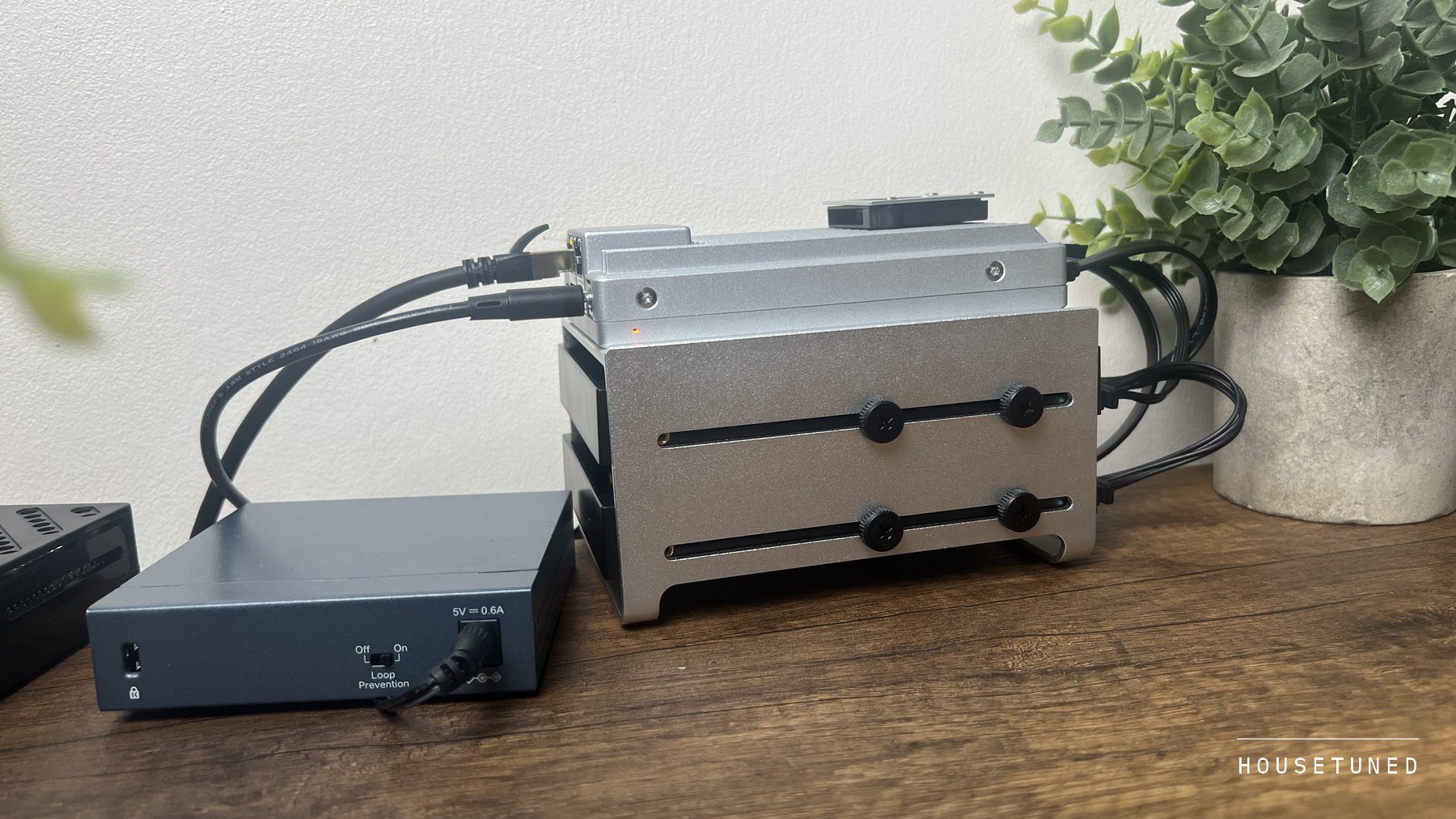
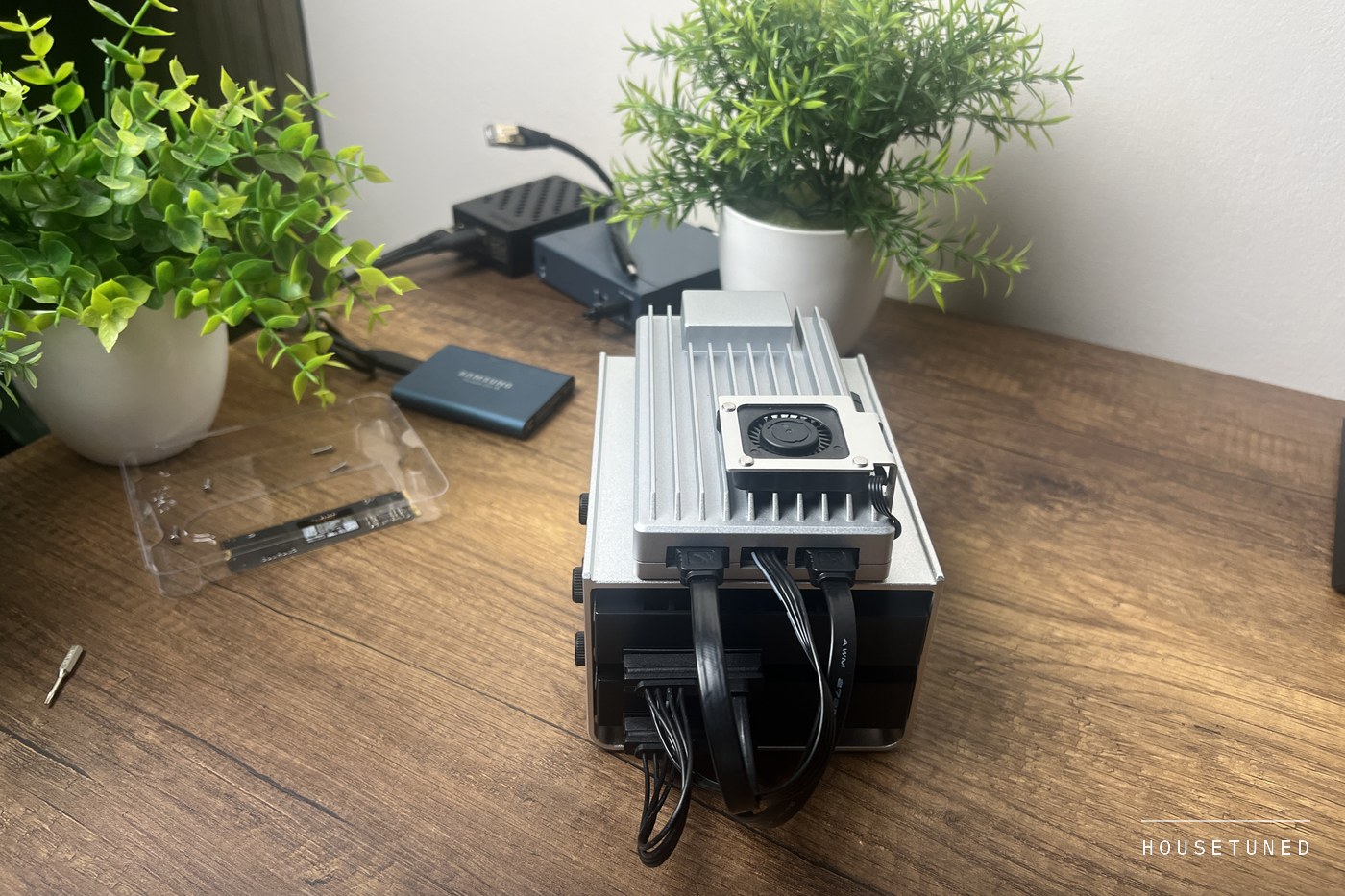
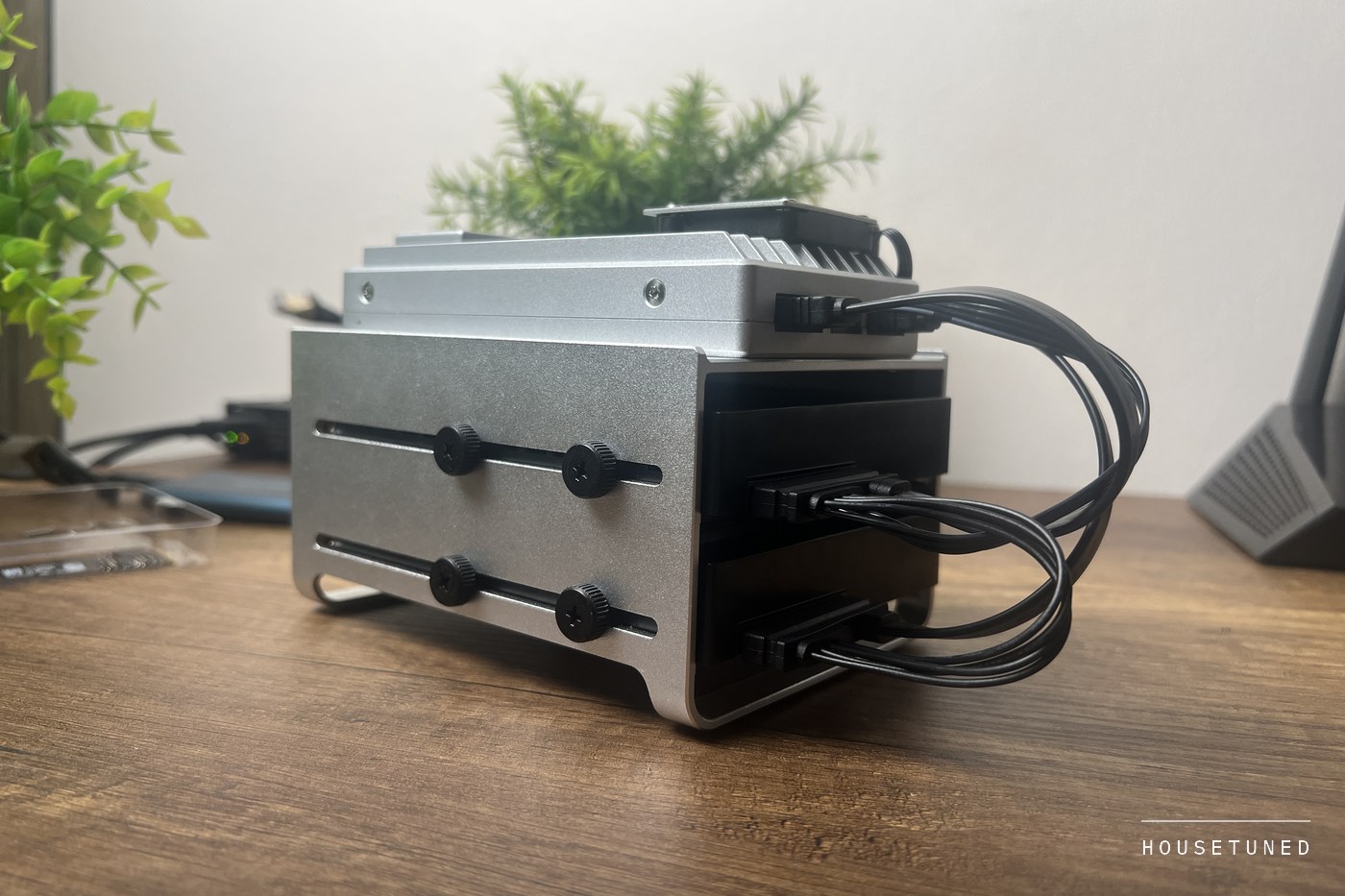
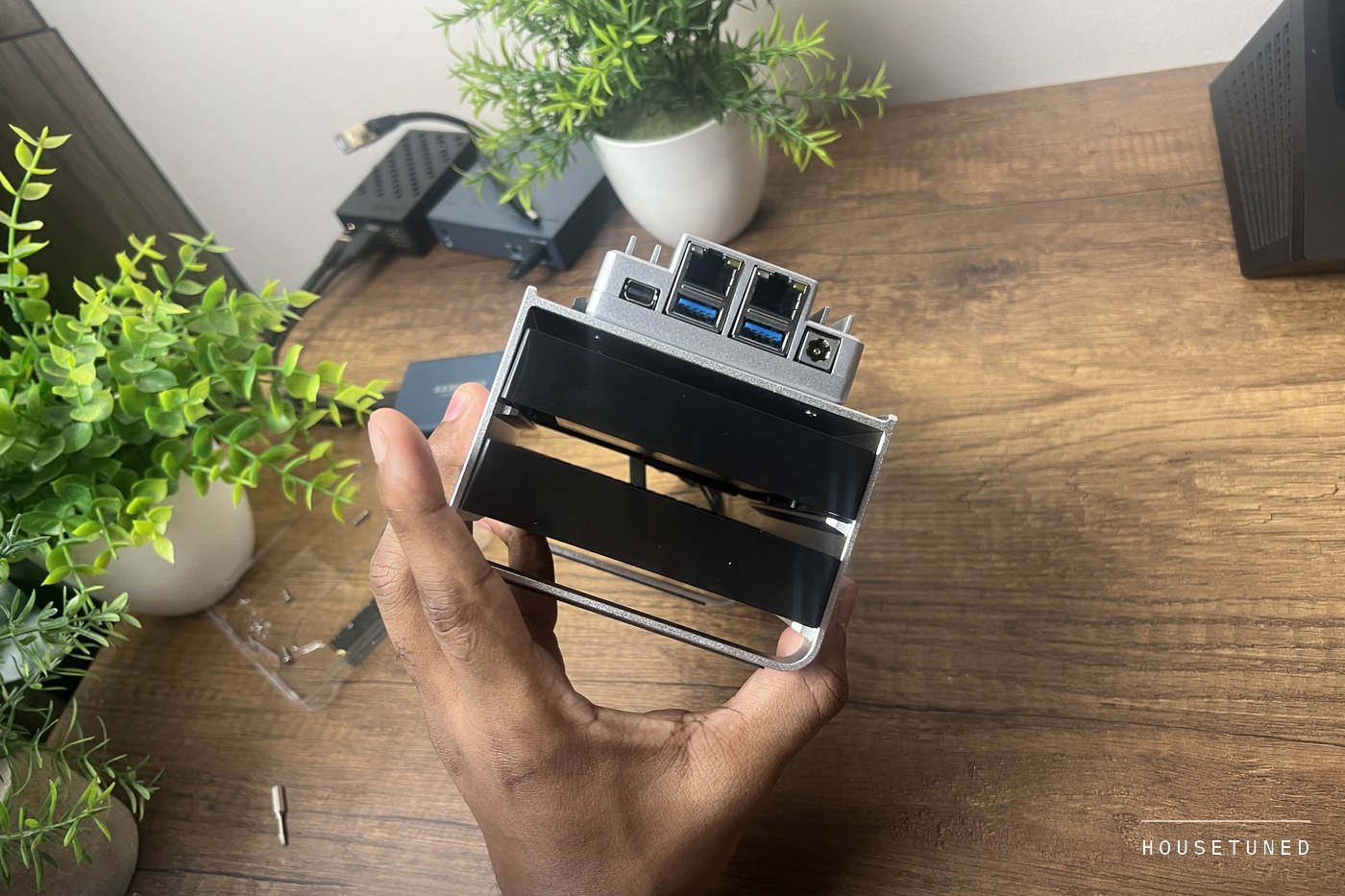
Icewhale sent us the 1664 Starter Bundle to test. Intel N150, 16 GB of memory, 64 GB of onboard flash, two 2.5 gigabit network ports, two SATA headers and an open PCIe slot, all inside a finned aluminium body that ships with no fan in it, though ours now carries the optional one. We finished the first round of testing in the middle of May. It has been the always-on machine in this house ever since, running a stack of self-hosted services and a few background automation workers, with a 500 GB SATA SSD and a 1 TB SATA drive attached.
- Price
- $349 for the 1664 board, around $400 as the Starter Bundle
- In service
- Since May 2026, still running
- Current unbroken run
- 38 days
- Idle draw
- 6 to 8 watts, measured during the original test
- Processor temperature
- 46 degrees at light load
- Flash life used
- Under ten percent, per the module's own counter
Everything below was read off that unit today, four months later. Where a figure comes from the original test rather than the current run, it says so. This is the review we could not write in May.
You Still Cannot Hear It From Across the Room
Passive cooling is a line on a spec sheet and a different thing in a home. A server in an office rack can make whatever noise it likes. A server in a house shares a room with people, and most of them lose that argument within a week.
The board ships with no fan at all, the aluminium body doing the whole job. Ours does not run that way. There is a small optional fan bolted into the heatsink and wired up, which is what Icewhale sells for builds that load the expansion slot or stack drives. So the fair question is not whether a fanless box is quiet, but whether this one still is once you have put a fan on it. From the far side of the room, no, you cannot hear it.
The practical consequence is placement, and it is worth more than it sounds. A desktop or a NAS with a full-size fan has to live where you cannot hear it, which in most houses means a cupboard or a garage, and a long cable run back to wherever your network terminates. This one sits on a shelf in the same room as the router, in the open, fan and all. In a house, that is the whole argument.
Heat, and the One Way to Get It Wrong
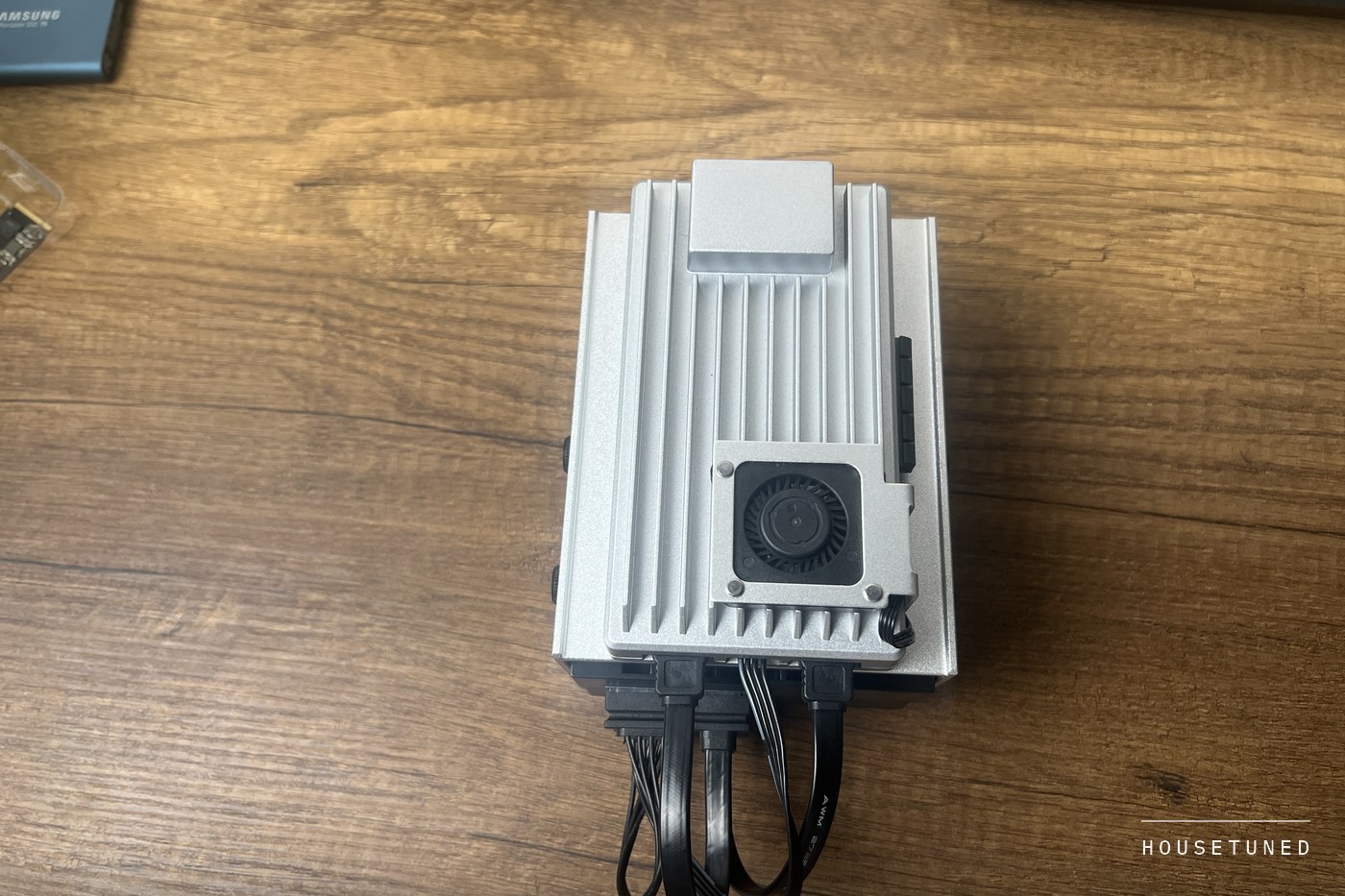
The entire chassis is the heatsink. No separate cooler inside, no airflow path, no thermal design beyond the metal you are holding. That sounds precarious until you check the numbers.
Right now, under a normal working load, the processor package reads 46 degrees and the board's own ambient sensor reads 27.8 degrees, with the optional fan fitted. That is in a warm room with no air conditioning, in September. The shutdown threshold for this chip is 105 degrees, so there is an enormous amount of headroom left, and four months of continuous service has not moved those figures in any way we can measure.
That is the useful finding, because passive designs do not usually fail on day one. They fail slowly, when dust bridges the fins or when somebody puts them somewhere they cannot breathe. The first has not happened here. The second is entirely in your hands.
What It Costs to Leave On
This is the number households actually want and reviews rarely give. During the original test the board drew 6 to 8 watts at idle with a real container load running, 12 to 15 watts under sustained work, and around 25 watts with all four cores pinned.
Take the idle figure, because that is where a home server spends its life. Eight watts, every hour of every day, is about 5.8 kilowatt hours a month and roughly 70 a year, the same as leaving one old 60 watt bulb on for three hours a day. Multiply 70 by your rate per unit for the annual cost, which for most households is small enough to stop worrying about.
The low draw buys something that matters more in a house with unreliable power. At single digit watts, a small battery backup carries the board for hours rather than minutes. The supply in the box is rated at 60 watts, leaving room for the drives and the card you will eventually add.
The Flash Question, Answered With Four Months of Wear
Every review of a board with soldered-on flash raises the same worry and none can answer it, because the answer takes months. Flash wears out as you write to it, and sixty-four gigabytes of it, written to continuously by a system that never switches off, is the part most people expect to die first.
So here is the answer. Four months in, the module's own wear counter still reports the first band, which in the storage specification means it has consumed under ten percent of its rated write life. Its end-of-life indicator reads normal. Nothing about the internal storage is close to being a problem.
Boot from the internal flash, keep your data on real drives. That advice was a guess in May. Four months of wear data says it is the right call, and that following it leaves the flash effectively untouched.
Capacity is a different matter from wear, and it is the one that will bite you. Ours keeps 12 GB on the 46 GB internal partition and everything else on the two attached drives, which is why the wear numbers look the way they do. Point a photo or media library at the internal storage instead and this section would read very differently.
Those Network Ports Are Intel, and Ours Runs at 1 Gigabit
There is a persistent idea that this board uses cheap Realtek networking, and it is worth correcting because it is the first thing anyone buying a home server asks about. It does not. Both 2.5 gigabit ports on our unit identify as Intel I226-V controllers, one per slot, and Icewhale's own published specification says the same. The answer to the question people are nervous about is the answer they were hoping for.
Four months of counters back that up. The port we use has moved about 94 GB in and 65 GB out, with zero receive errors, zero transmit errors, zero checksum errors and zero collisions. Whatever else you worry about with inexpensive hardware, the networking on this board has not dropped a single frame in four months of daily use.
Now the part that matters in an actual house. Our port is linked at 1 gigabit, not 2.5, because the switch it plugs into is a gigabit switch, and so is almost every switch already sitting in a home. Buying a board with 2.5 gigabit ports does not give you 2.5 gigabit networking. It gives you the option of it, later, once the switch at the other end and the machine you are copying from can both do it too. If the fast ports are why you are buying this, budget for the switch in the same breath or you will be paying for a capability you cannot use.
Look at what your switch actually supports. Two 2.5 gigabit ports on the server and a gigabit switch in the hallway is a 1 gigabit network, and no setting on the board changes that.
The Afternoon the Internet Went Down
Four months is long enough for something to go wrong, and in September something did, although not to the board. The house lost its main internet connection in the middle of a working afternoon.
The board moved its traffic to the backup connection without being asked and carried on. The scheduled jobs part way through finished normally. One outbound request failed with a name lookup error and succeeded on the retry seconds later. Nothing needed restarting, and nobody went to look at it until afterwards, out of curiosity.
That is worth more than any benchmark here. A machine you leave running earns its place by being boring during the one hour when nothing else is. What did need attention afterwards was our own configuration, not the hardware. The watchdog checking whether the connection was healthy was testing an address that does not answer over the backup path, so it kept insisting both connections were down while the board was plainly online. You only find that by living with a setup for months.
The current unbroken run is 38 days. It has been restarted a handful of times since May for updates, which is the normal rhythm of a machine somebody maintains rather than a sign of anything wrong.
Who Should Leave This One Alone
This is not an appliance, and four months has made us more certain of that. It is a very good small computer with an unusually good front end on it. If you want a box you plug in, point a phone app at and never think about again, with a support line when it stops, buy a finished consumer NAS. The premium those carry is why theirs comes with a warranty department and this one comes with a PCIe slot.
ZimaOS is the nicest preinstalled system we have ever left in place on a board like this. The dashboard, the one-click installs and the file manager cover most of what a household wants without opening a terminal. But the moment you need something outside the app list, or an update surprises you, you are in Debian and you need to be at least a little comfortable there.
The second stop point is storage. The board gives you two SATA headers and an expansion slot. It does not give you a drive cage, hot swap, or any opinion about redundancy. Those are your problem, and they cost money and shelf space the price does not include.
Is the 16 GB version worth it over the 8 GB one?
For a household running several services at once, yes. Ours sits at roughly half of its 16 GB in ordinary use, which would be an uncomfortable squeeze on 8 GB. If the board has one job, like a file share or network wide ad filtering, the smaller version is genuinely fine.
Does it need the optional cooling fan?
Ours has one fitted, so the honest answer is that we cannot tell you it was necessary. Nothing in four months has looked thermally stressed either way. The header is there for builds that put a hot card in the PCIe slot or stack drives with no airflow, and for a plain file share and a few containers you can reasonably start without it.
What happens in a power cut?
The board has no battery of its own, so it goes off with everything else. Because it draws single digit watts, though, a small consumer battery backup will carry it for hours rather than the few minutes a desktop would get, which is usually long enough to outlast a typical outage.
How loud is it really?
Quiet enough that it does not register. The board ships passive, ours carries the optional fan, and from across the room you cannot hear it. The loudest thing in our build is the mechanical hard drive on the SATA port, which is a good argument for solid state storage if it is going in a living space.
Where Four Months Left Us
The score has barely moved since the first test, but the reasons behind it have changed completely. In May we liked the hardware. In September we like that we have not had to think about the hardware, which is a much harder thing for a product to earn.
Four months proved the things a week could only guess at. The flash has not worn. The network has not dropped a frame. The metal has not cooked itself in a warm room. And the one afternoon it had a real chance to fall over, it did not.
Four months also did not change the caveats. It is still a project rather than a product, it still expects you to bring your own drives and your own opinion about what runs on them, and the fast network ports are still waiting on a switch we have not bought. If you want a home server and you are willing to look after it, this is the one we would buy again with our own money. If you want an appliance, no amount of good software on top turns it into one.
Judge an always-on machine on month four, not week two. On that test this one comes back with nothing to report, which for hardware that never switches off is the best result available.
More in this category
Take a closer look
More from the home desk