The Wi-Fi job this eero handles
- Before bringing it home, confirm your internet plan speed and whether your devices support Wi-Fi 7.
- Check that the 2,000 square foot coverage matches your layout.
- Decide if you need a gateway replacement or an add-on to an existing eero network.
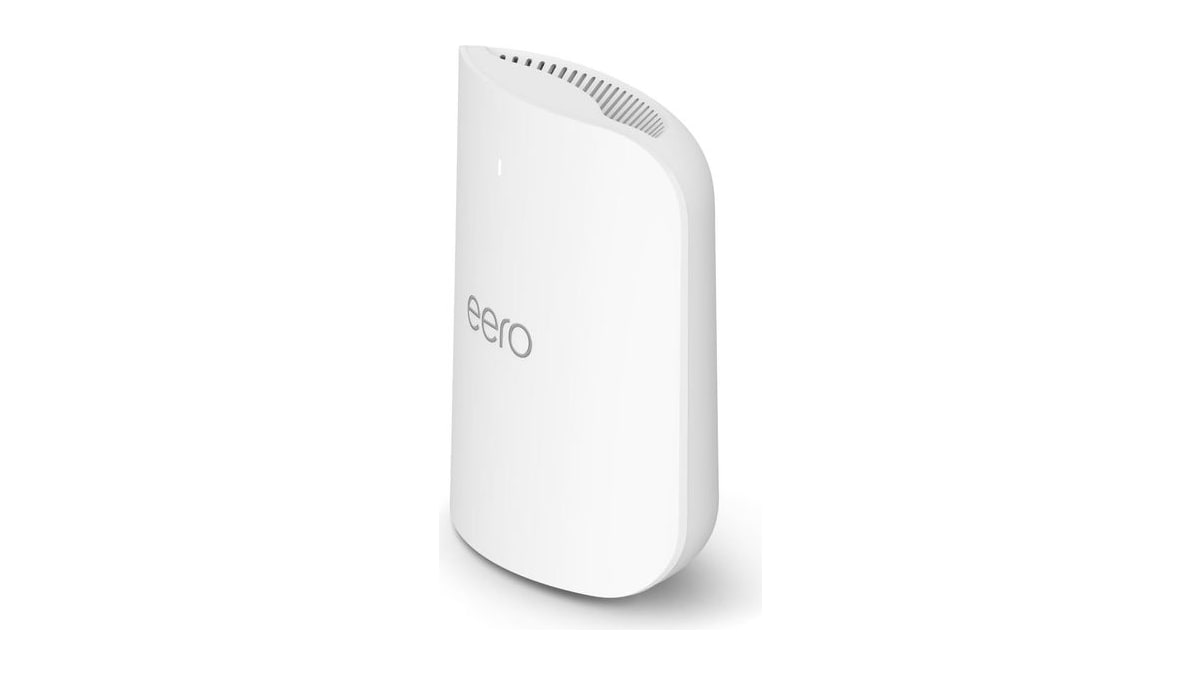
The eero Pro 7 is a tri-band mesh Wi-Fi 7 router built for homes and small businesses that need fast wireless across several rooms or floors. It covers up to 2,000 square feet, which is roughly a 25 foot radius, and supports more than 200 connected devices. That makes it a sensible pick if you have phones, laptops, smart home gear and streaming boxes all pulling on the same network.
Two auto-sensing 5 GbE ports let it work with internet plans up to 5 Gbps, and wireless speeds can reach 3.9 Gbps. You can set it up as your main router in place of the one you use now, or add it to an existing eero network to extend coverage. TrueMesh, TrueRoam and TrueChannel software work behind the scenes to keep your devices on the strongest connection.
We recommend this for a large household or a small office that wants Wi-Fi 7 performance without building a system from scratch. It also supports multi-link operation, a Wi-Fi 7 feature that can improve reliability when your devices support it too. If you mainly browse and stream on a handful of gadgets, the extra speed may go unused.
What the price comparison means
At $269.99, this eero Pro 7 costs $25.02 less than its typical price over the last 90 days of $295.01, an 8 percent difference. That figure is a recent average, so treat it as a rough benchmark rather than a formal discount claim.
If you need more coverage later, adding another eero means another purchase, so factor that into your total budget.
We'd consider this a reasonable price for a Wi-Fi 7 mesh unit with 5 Gbps wired ports. The cost picture is straightforward: one router, one price, with no subscription required for the core networking features.
| Offer detail | Recorded value |
|---|---|
| Amazon price | $269.99 |
| Customer rating | 4.4 |
| Customer reviews | 1474 |
| Typical price over 90 days | $295.01 |
| Difference | $25.02 (8 percent) |
Setup and ongoing questions to check
Before buying, check whether you want to use this as your main router or as an extender in an existing eero system, since the role affects placement. The eero app handles setup, but you will need a working internet connection and account to get started.
Running costs are not published, so check the power draw and any subscription options separately if those matter to you. The unit is backed by a three-year warranty, which is longer than many routers offer. For support, eero lists email and phone contacts, so you can ask setup questions before you commit.
We'd skip this if your internet plan is well below 5 Gbps, because the 5 GbE ports and Wi-Fi 7 speeds would go largely unused. Similarly, if your home is much larger than 2,000 square feet, a single unit may leave corners weak and you may need a second node.
When this eero is the wrong fit
If you rent and cannot place a router where the signal needs to reach, a mesh system may not solve your coverage problem. Check your lease and your layout first.
This router is also overkill for a small apartment with a basic internet plan. And if you want advanced manual controls that some standalone routers offer, eero's app-first approach may feel too simple. Your last buying check is whether you need one unit or a multi-pack to cover your whole space.
Product details
| Model | ME10001 |
|---|---|
| Color | WHITE |